DLSS 5 for World of Warcraftwithout touching the game
A free, open-source overlay that runs NVIDIA DLSS 5 Neural Rendering over WoW on RTX 40 and RTX 50 GPUs. It does not load a single byte of code into Wow.exe: no DLL injection, no hooks, and no ReShade in your game folder.
New in 0.6.0: ghosting on camera turns fixed, and DLSS 5 310.9.16 on RTX 50 cards. More →
Windows 11 · NVIDIA GeForce RTX 40 / 50 · MIT license · English, Русский, Español, Deutsch, Français, Türkçe, العربية, 简体中文, 日本語, 한국어
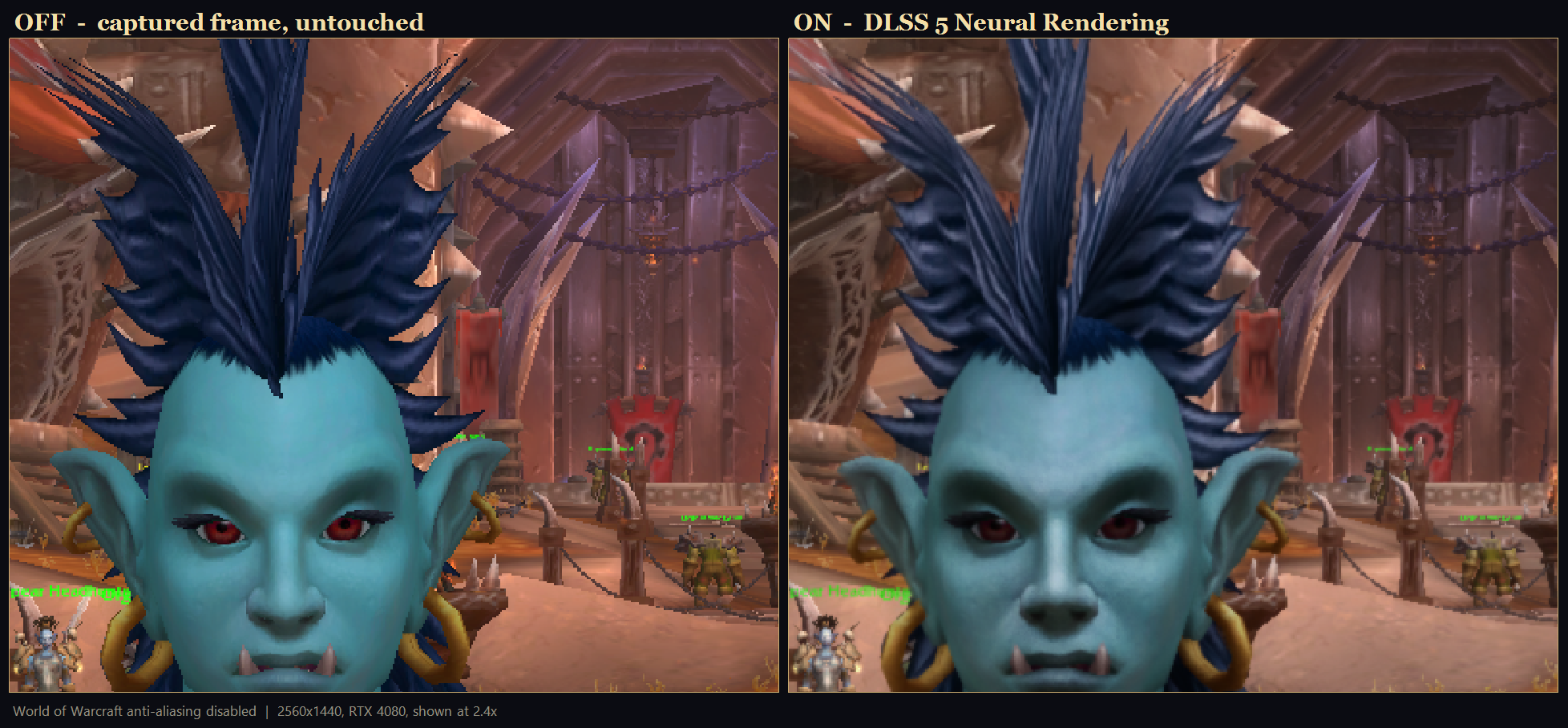
DLSS 5 off / on
Drag across the picture. The same moment in retail WoW, captured a third of a second apart with the overlay toggled: left of the line is the game as it is, right of it is DLSS 5 Neural Rendering.
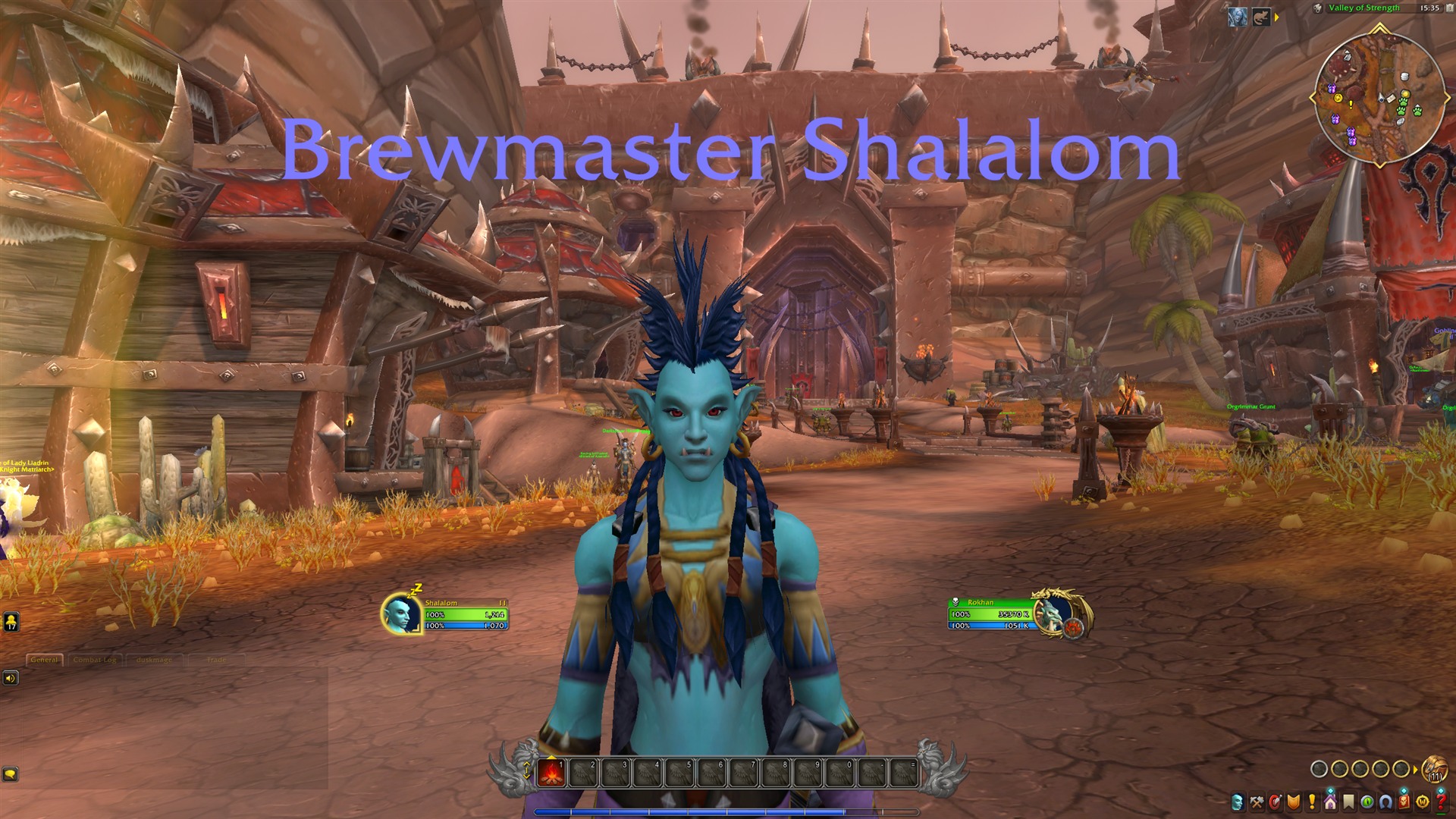
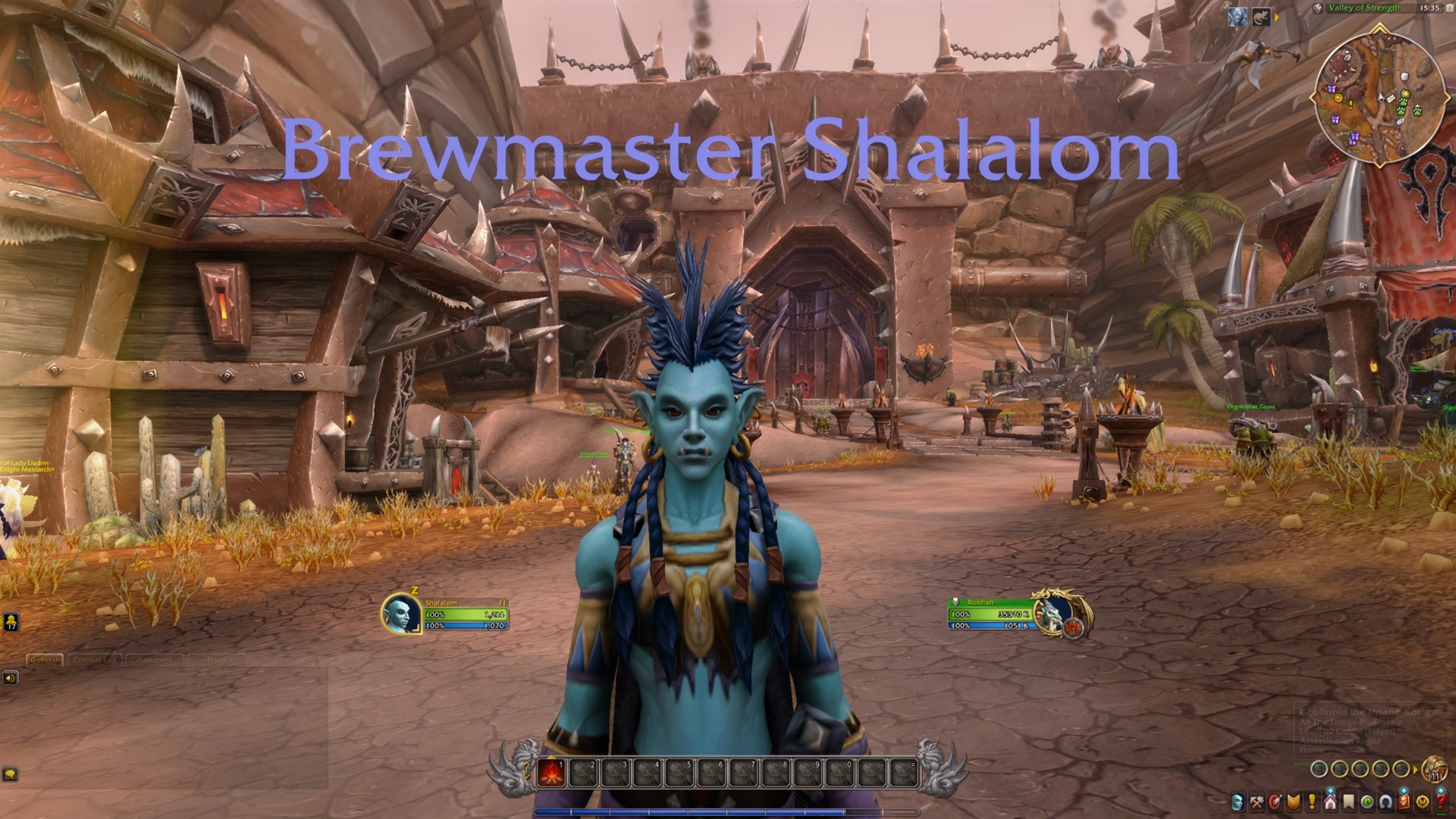 OffDLSS 5
1920×1080 frames, RTX 4080. In motion and at 1:1 the effect is subtler than any zoomed crop: judge it in the app with Ctrl+Alt+D.
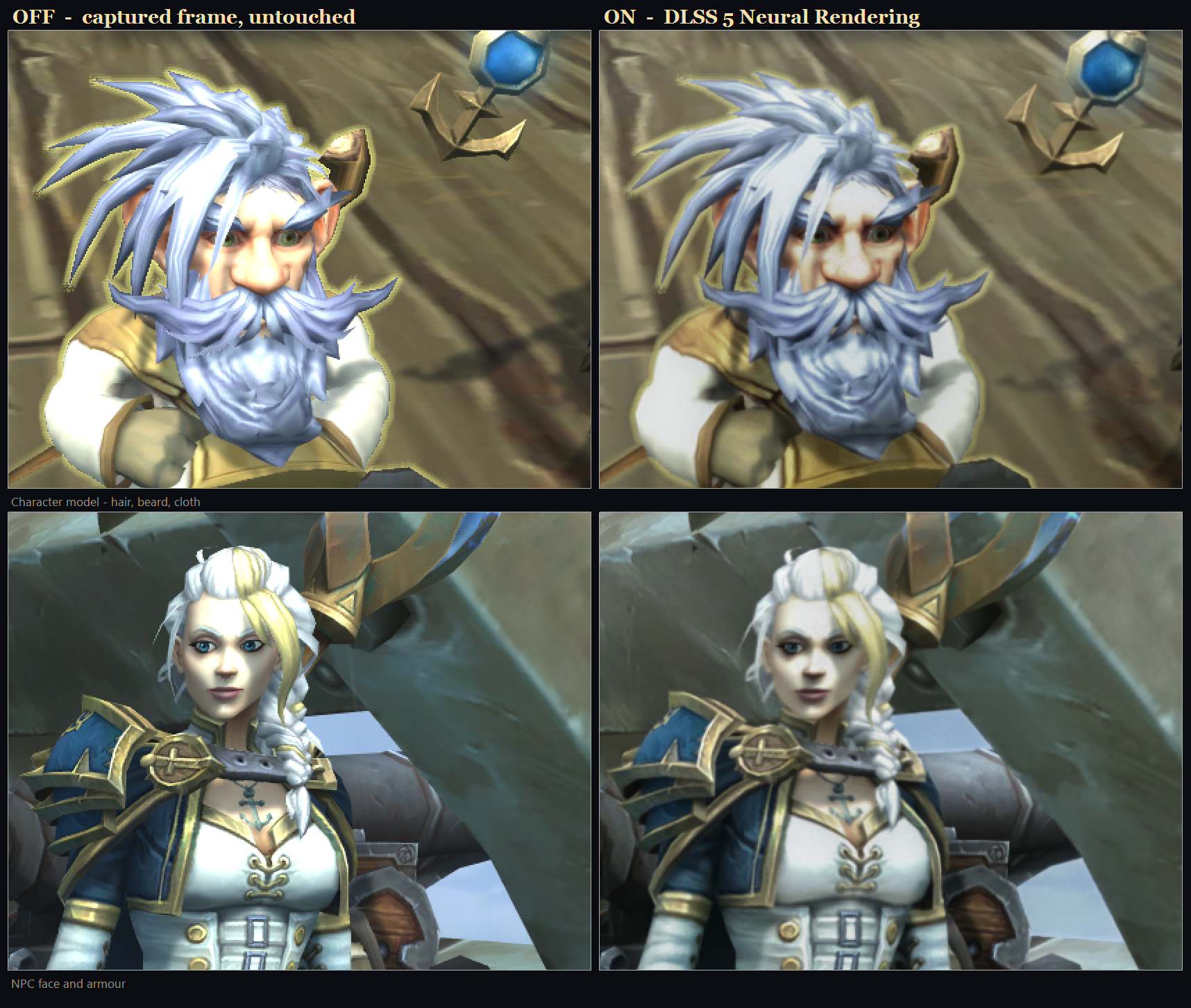
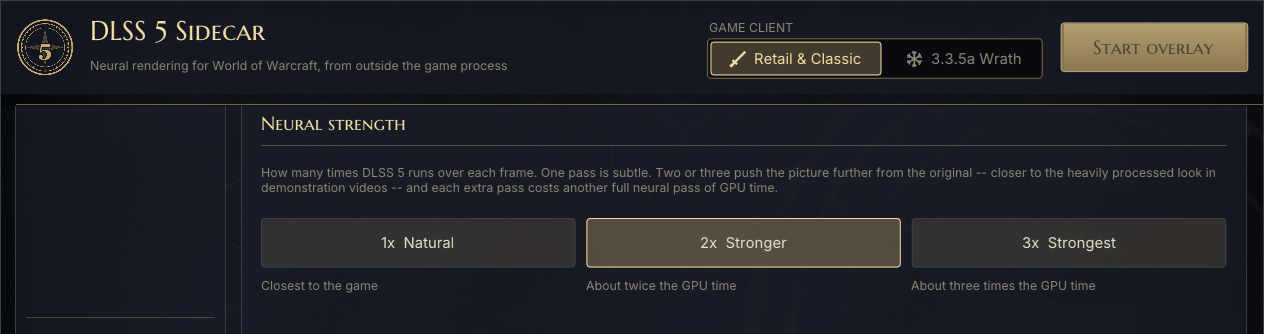
Choose the strength: 1×, 2× or 3×
DLSS 5 can run more than once over every frame. One pass is subtle and closest to the game. Two or three push the picture further, towards the heavily processed look of the demo videos. Each extra pass costs roughly one more pass of GPU time.
DLSS 5 310.9.16 on RTX 50, 310.8 on RTX 40
The download carries two builds of NVIDIA's DLSS 5 runtime, and the app picks the right one for your card. RTX 50 cards run the newest signed build, DLSS 5 310.9.16. RTX 40 cards run 310.8, patched to run on Ada, since NVIDIA's own runtime is Blackwell-only. You can override the choice under Tuning → Neural runtime.

| Build | Runs on | Neural pass, per frame |
|---|---|---|
| DLSS 5 310.9.16 (Latest) | RTX 50 | 1.7 ms |
| DLSS 5 310.8 (Compatible) | RTX 40 and RTX 50 | 2.85 ms |
Measured on an RTX 50 card at 1280×720, same scene. 310.9.16 also used about 60 MB less video memory. Neither raises WoW's frame rate; the newer build leaves the GPU more room.
Easy to start. Advanced when you need it.
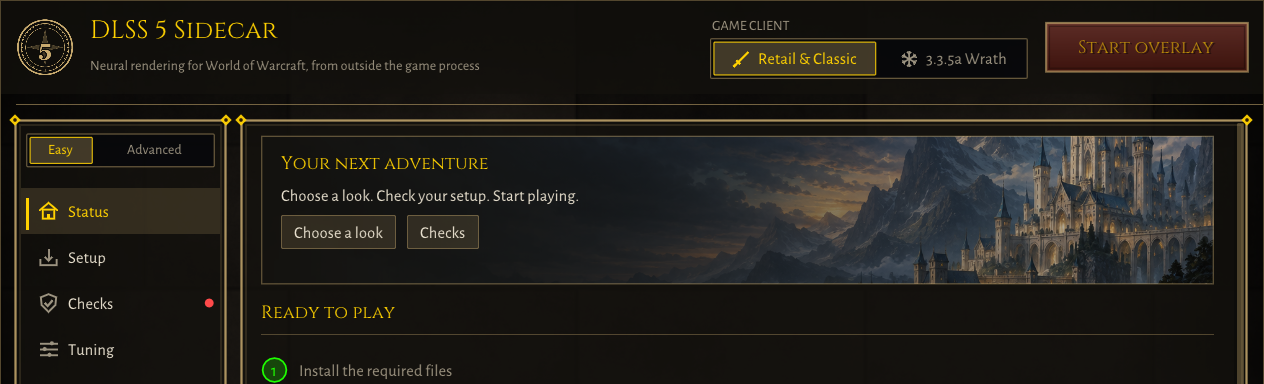
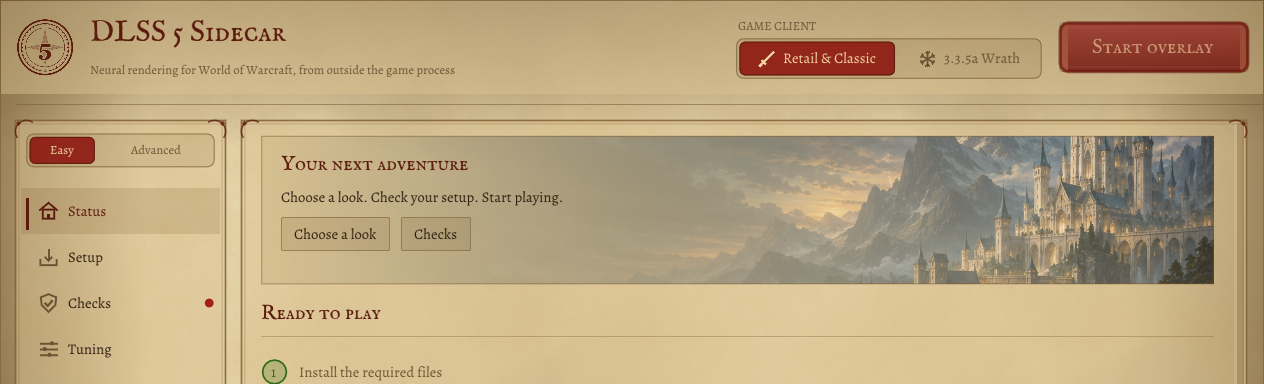
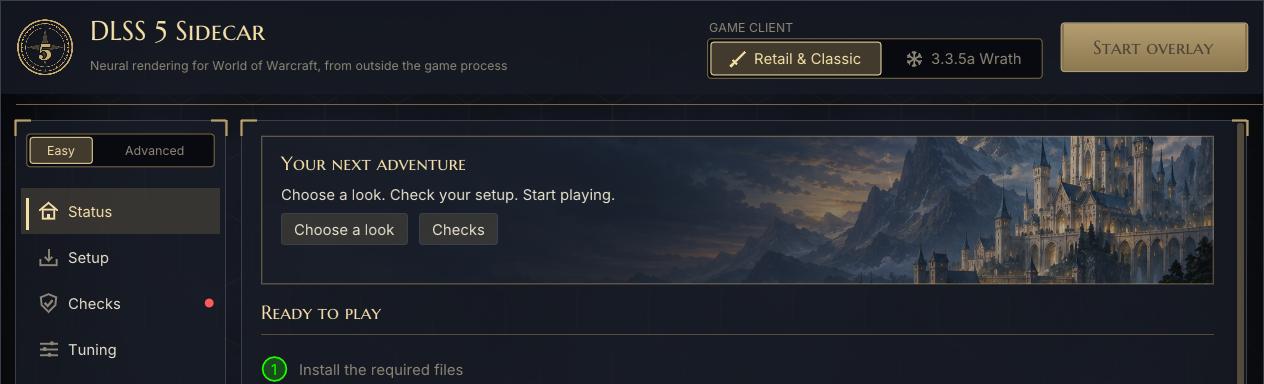
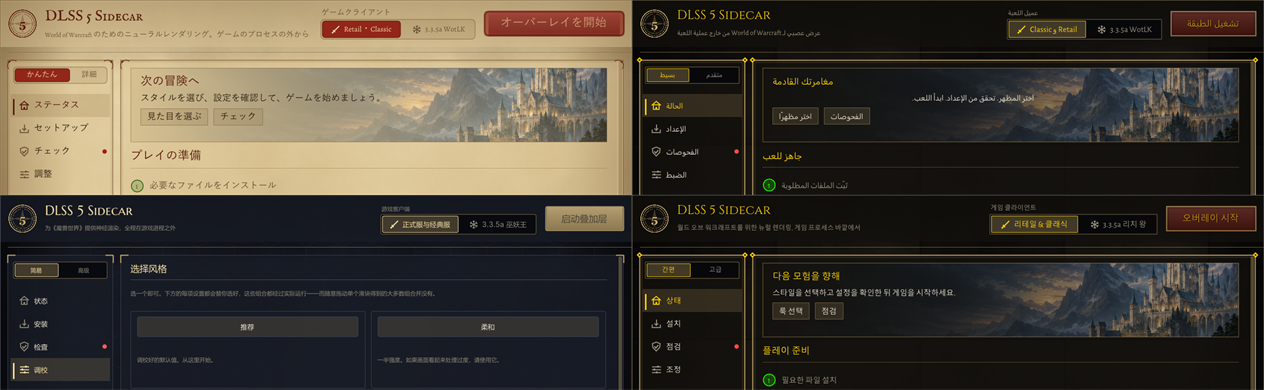
Pick a look and strength in Easy mode. Switch to Advanced for detailed tuning, hotkeys and diagnostics. Your settings stay with you. Three themes and ten languages remain available.
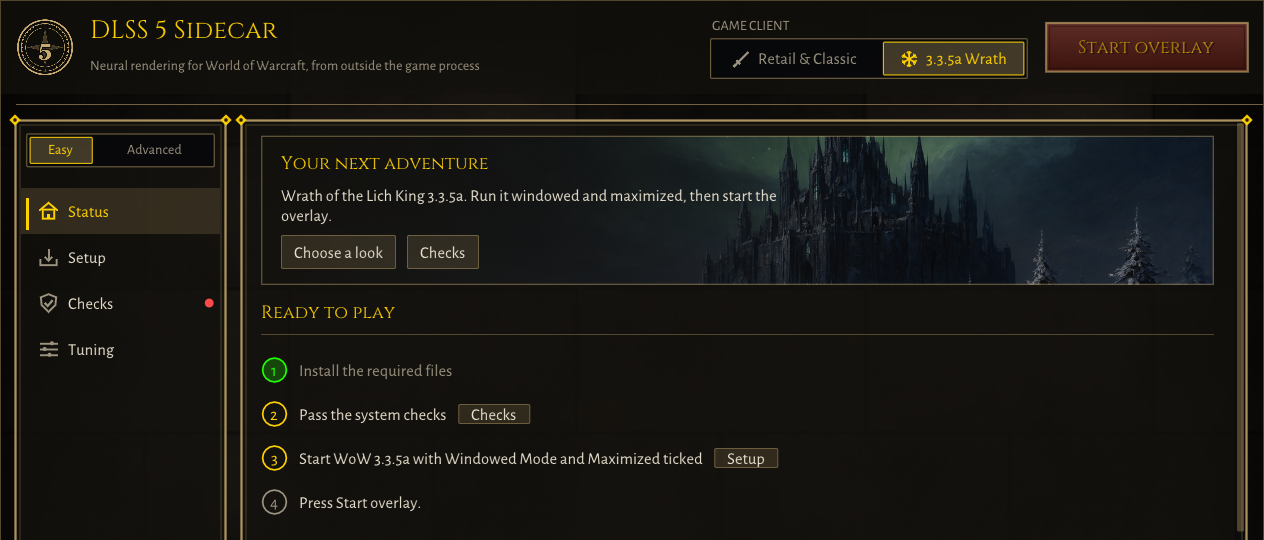
Retail, Classic or 3.3.5a
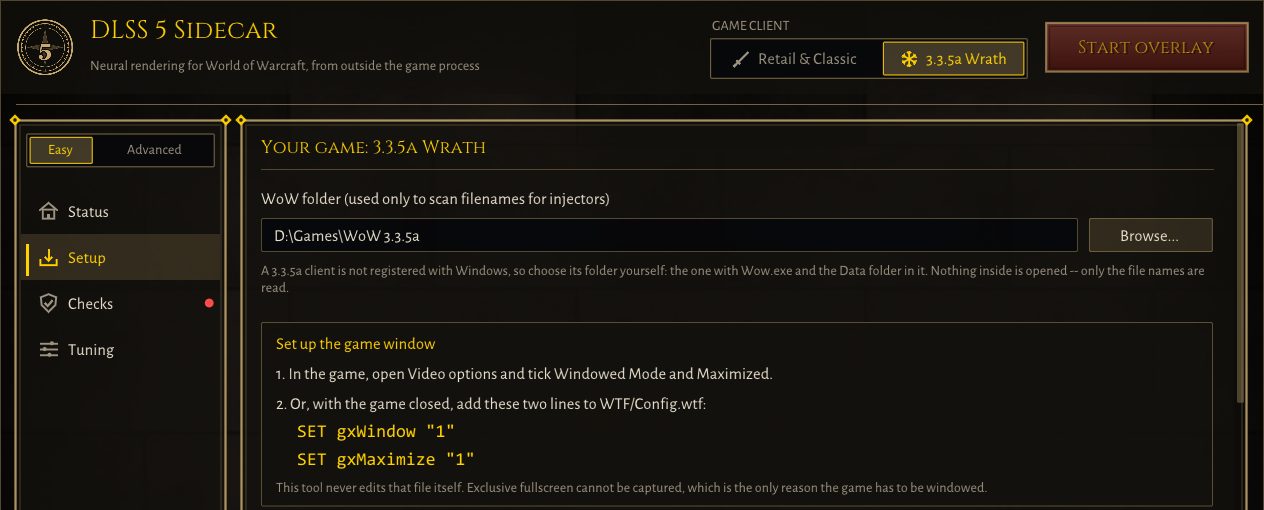
Pick your client at the top of the manager. With 3.3.5a Wrath selected, Setup and Checks follow that client: its own folder, its own window check, and the steps it needs. 3.3.5a has no borderless option, so tick Windowed Mode and Maximized in Video options. The manager never edits the game's files.
How it works
Capture
Windows Graphics Capture reads WoW's finished frame from the desktop compositor, the same way OBS does.
Neural pass
A separate process estimates motion with NVIDIA optical flow and runs DLSS 5 Neural Rendering on the frame.
Present
The result is drawn in a click-through overlay over the game window. You play normally underneath it.
A/B in one key
Hide the overlay with a hotkey to compare against the untouched game, instantly, mid-fight.
Measured on an RTX 4080 at 1440p: 11.6 ms p50, 12.6 ms p99 capture-to-present. It changes how the game looks; it does not raise your frame rate.
Why it's shaped like this
ReShade next to Wow.exe is how WoW accounts get banned. So this tool never goes near the game process. The rules are checked against the built programs on every build, not just promised:
| Never | Checked by |
|---|---|
| Reads or writes another process's memory | Import table scan in CI |
| Installs window or keyboard hooks | Import table scan in CI |
| Synthesises input | Import table scan in CI |
| Touches the network | Import table scan in CI |
Installs next to Wow.exe, or runs with an injector present | Unit-tested checks at startup |
No third-party tool can guarantee you will never be banned. This one does not do the things people get banned for.
Hotkeys
| Ctrl+Alt+S | Start or stop the overlay |
| Ctrl+Alt+D | Show or hide the overlay, for an instant before/after |
| Ctrl+Alt+H | Show or hide the frame-time HUD |
| Ctrl+Alt+Backspace | Panic switch: take the overlay down from anywhere |
The first three are rebindable in the app. They use plain RegisterHotKey, with no keyboard hook.
What you need
GPU
NVIDIA GeForce RTX 40 (Ada) or RTX 50 (Blackwell).
System
Windows 11.
Game
World of Warcraft in borderless windowed mode. Retail, Classic and 3.3.5a clients all work.
Install
Unzip anywhere except your WoW folder and run wowsidecar-manager.exe.
Frequently asked questions
Can I get banned for using DLSS 5 in WoW?
No third-party tool can promise that. This one never loads into Wow.exe, never places ReShade or a DLL in the WoW folder, and never reads the game's memory. It reads the finished frame from Windows, like OBS or Discord screen share.
Does DLSS 5 increase FPS in World of Warcraft?
No. DLSS 5 Neural Rendering is a filter that changes how the image looks, not Super Resolution or Frame Generation. It costs frames rather than gaining them, and the app shows you exactly where each millisecond goes.
Which graphics cards are supported?
NVIDIA GeForce RTX 40 series and RTX 50 series. Older NVIDIA cards, AMD and Intel GPUs cannot run DLSS 5.
Which DLSS 5 version does it use?
Two builds ship together. RTX 50 cards get the newest signed NVIDIA runtime, DLSS 5 310.9.16, which takes about 40% less GPU time per frame. RTX 40 cards get 310.8, patched to run on Ada. The app picks automatically, and Tuning → Neural runtime lets you choose.
Why did characters smear or leave trails when the camera turned?
The motion vectors handed to DLSS 5 pointed the wrong way, so each frame blended in history from the wrong place, and 2× and 3× made it worse. It is fixed in version 0.6.0.
Is it a WoW addon?
No. Addons are Lua inside the game's interface. This is a separate Windows program that sits over the game window.
Why not use ReShade with a DLSS 5 addon?
Because ReShade next to Wow.exe is what gets accounts banned. Here ReShade loads into the sidecar's own process, never the game's.